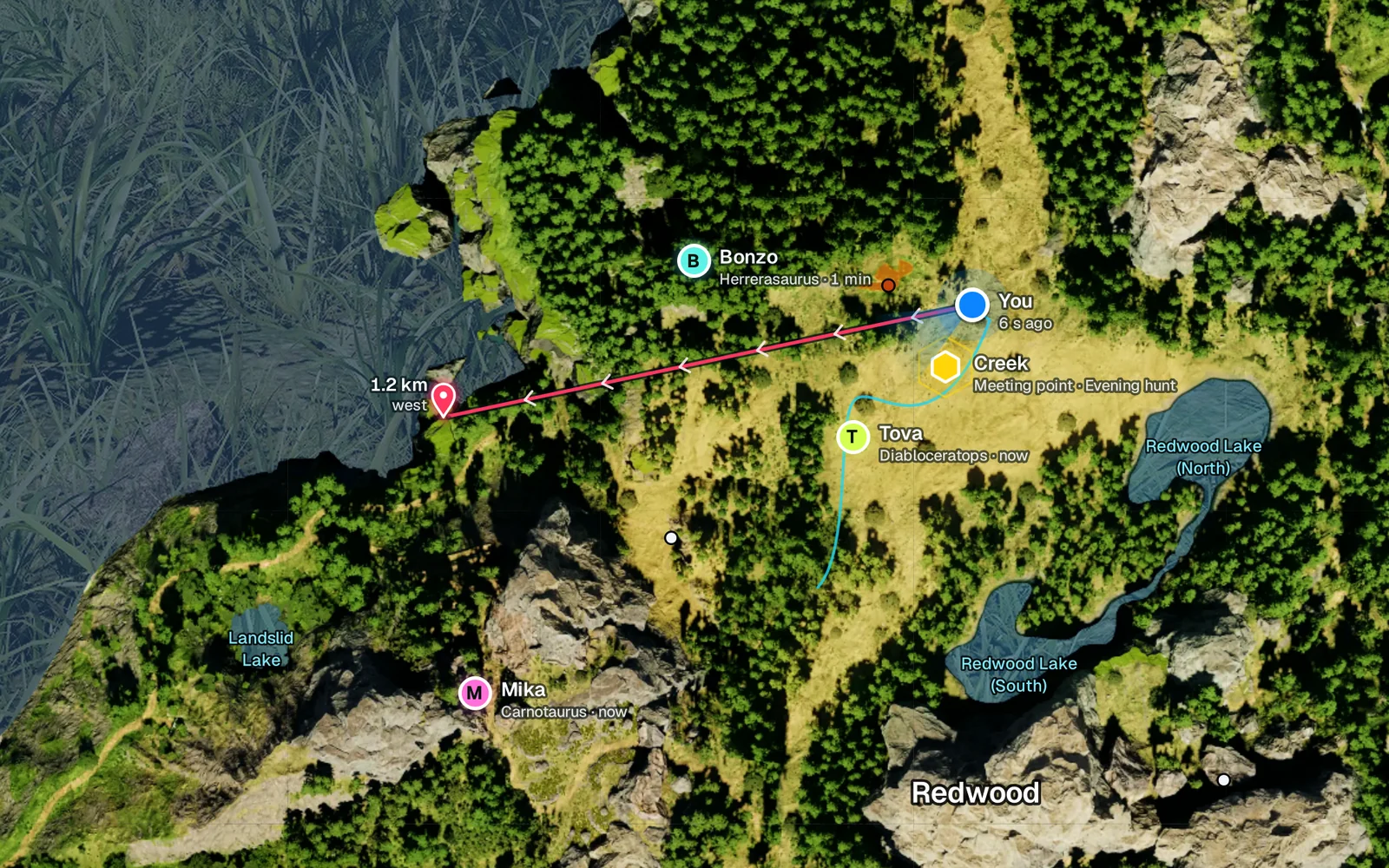
Targets, meeting points, friends
Right-click to set a target or a meeting point for your group. Every marker shows its distance, and friends show their dinosaur and how fresh their position is.
A Windows overlay for The Isle: Evrima. Your position on a live map, a compass with your friends on it, and the exact numbers behind every HUD icon.
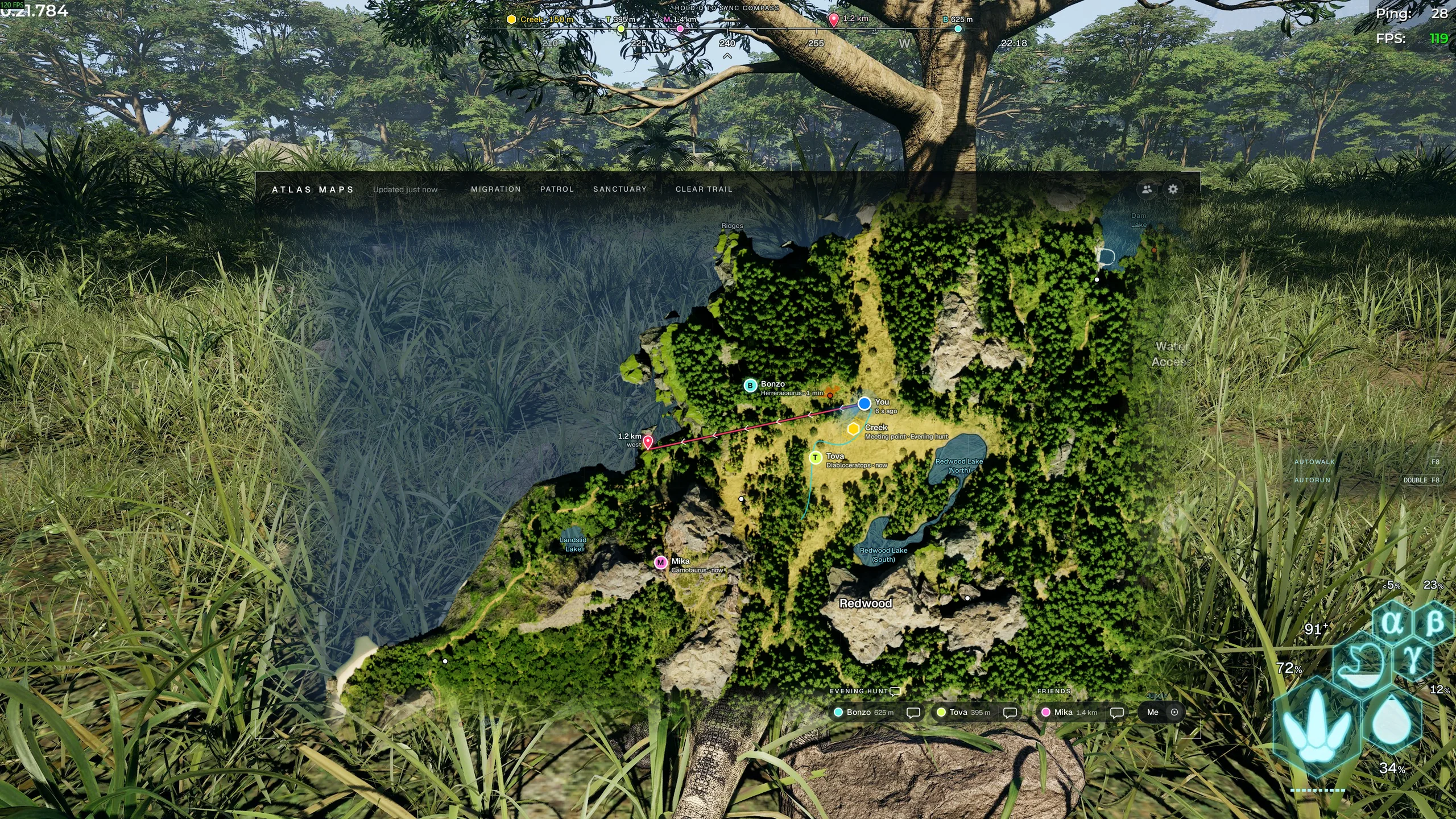 Compass · hold Q once
You · from the Tab menu
Friends sharing their position
Exact HUD
Screen, log and settings files. Never game memory.
Per Windows user. No admin rights.
1080p to 4K, ultrawide. Borderless or windowed.
$5 once. Every update included.
Atlas Maps reads your position from the game's Tab menu, so your dot is where you actually are. Between readings it follows your movement, and your trail stays on the map until you clear it.
Right-click to set a target or a meeting point for your group. Every marker shows its distance, and friends show their dinosaur and how fresh their position is.
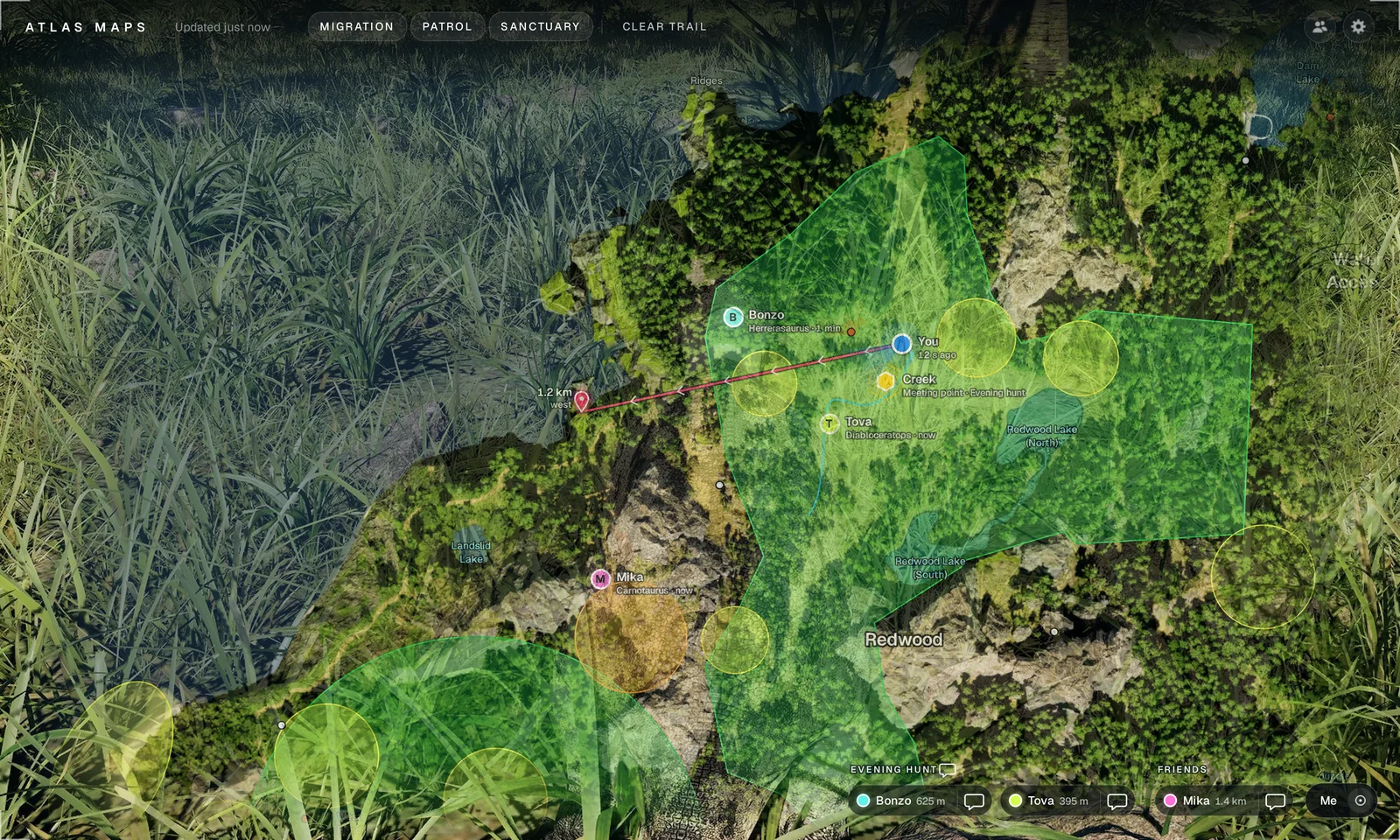
Turn each zone layer on or off. Drag the map anywhere on screen and resize it; it opens in the same place next time.
Hold Q once. Atlas Maps reads the scent line the game draws and locks north. From then on the strip at the top of your screen follows your camera.

Your group's meeting point.
A friend who shares their position with you.
The target you set on the map.
Your PC's clock, next to the strip.
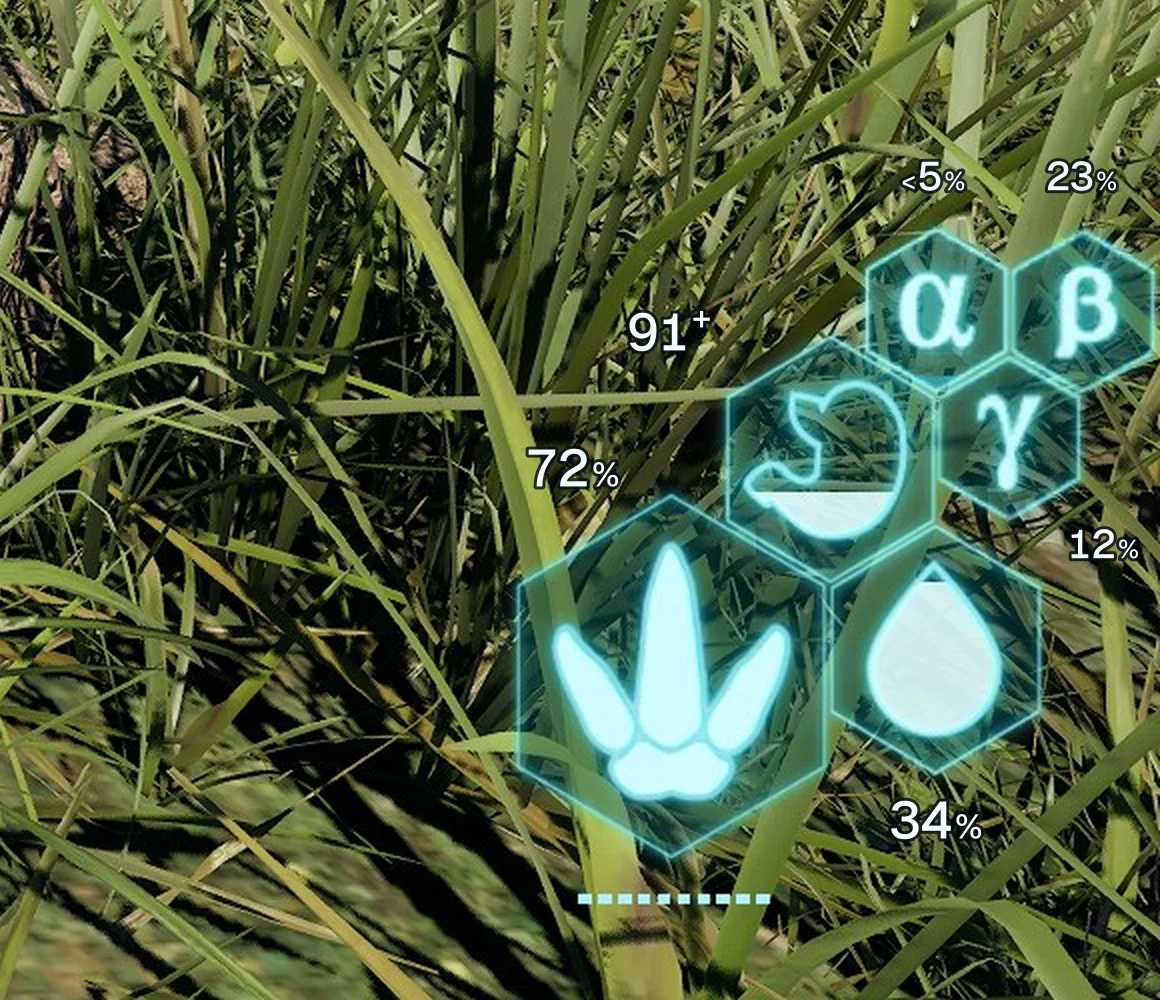
Exact percentages next to the game's own icons, read from your screen. No more guessing how full a hexagon is.
Add friends with a friend code and choose who sees your position. Make a group, drop a meeting point, and talk without leaving the game.
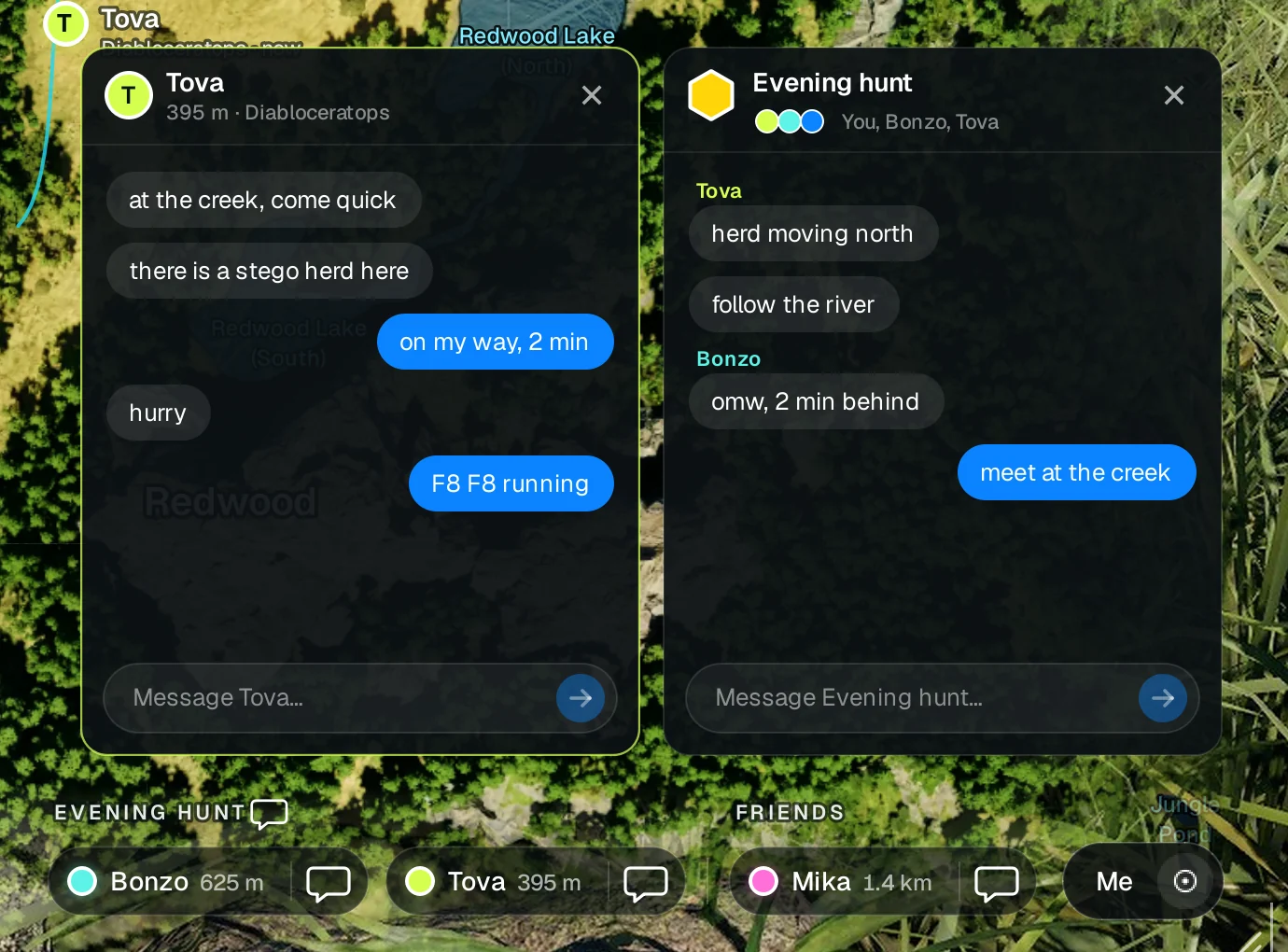
Eight characters, like K7QX-M4TP. Send yours, they add you.
You pick, friend by friend, who sees where you are. Turn it off any time.
Everyone in the group sees the meeting point on their map and on their compass.
New messages pop up in game. While you type, W is a letter, not a step forward.
Opens and closes the map, and reads your position as it opens.
The game's own scent key. Hold it once and the compass locks north.
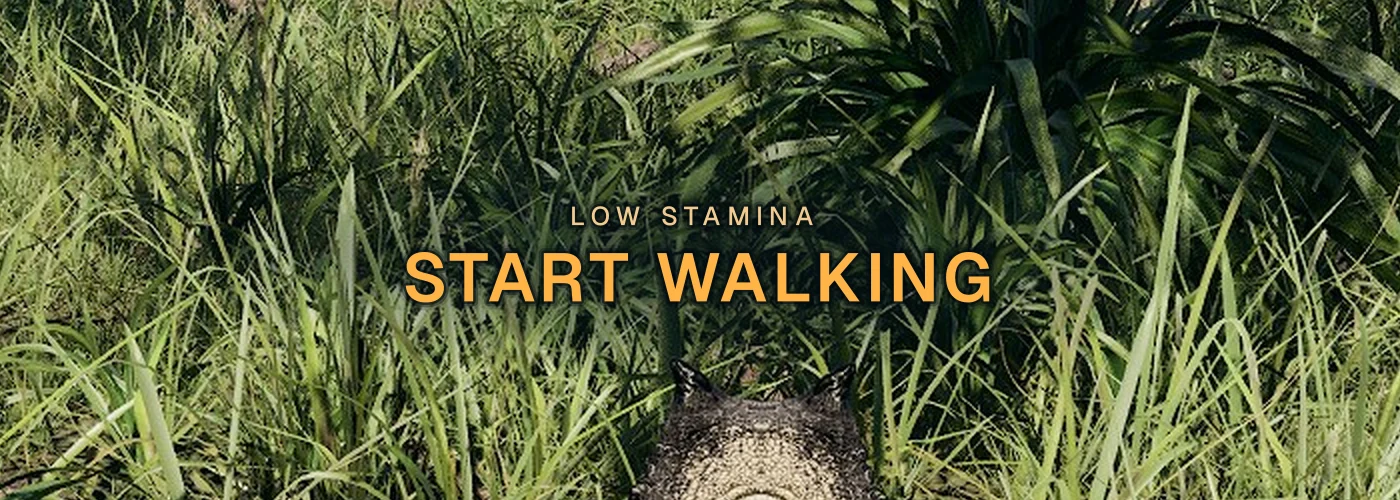
Walks for you so stamina recovers. Press again to stop.
Double-tap to run. F7 switches between walking and running.
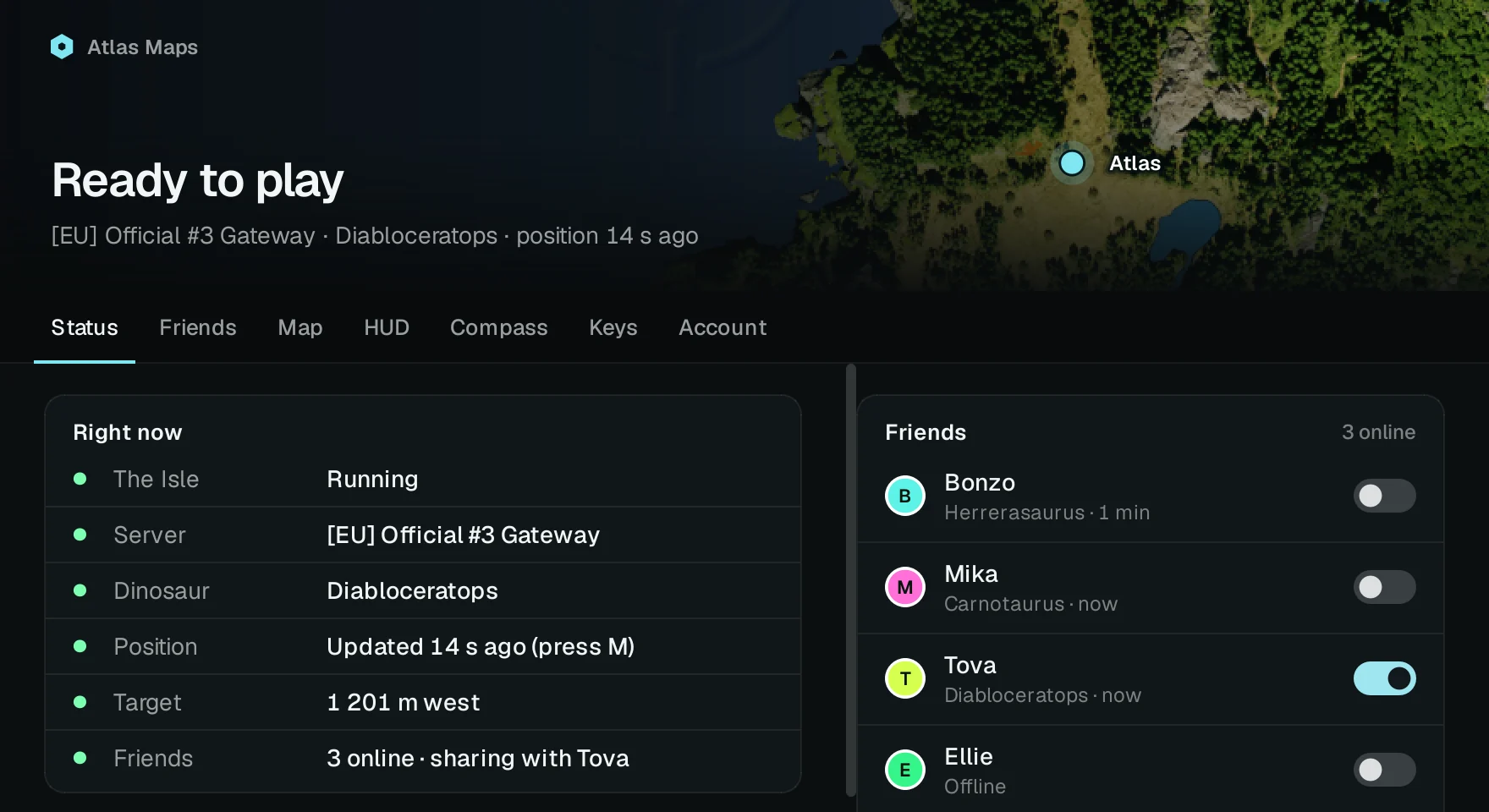
Server, dinosaur, last position, target and friends at a glance. Every setting lives in its own tab, so nothing clutters the game.
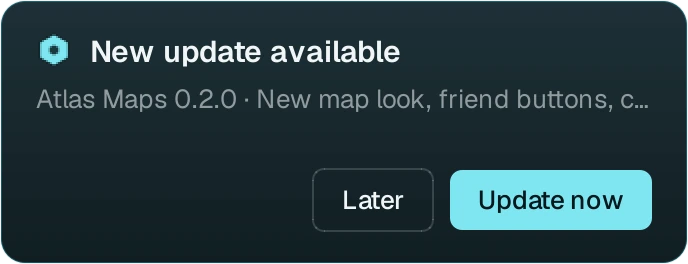
A card shows up on your desktop, never over the game. Update now downloads the new version, checks that it arrived intact, then installs it.
Run the installer. It installs for your Windows user only, so there's no admin prompt.
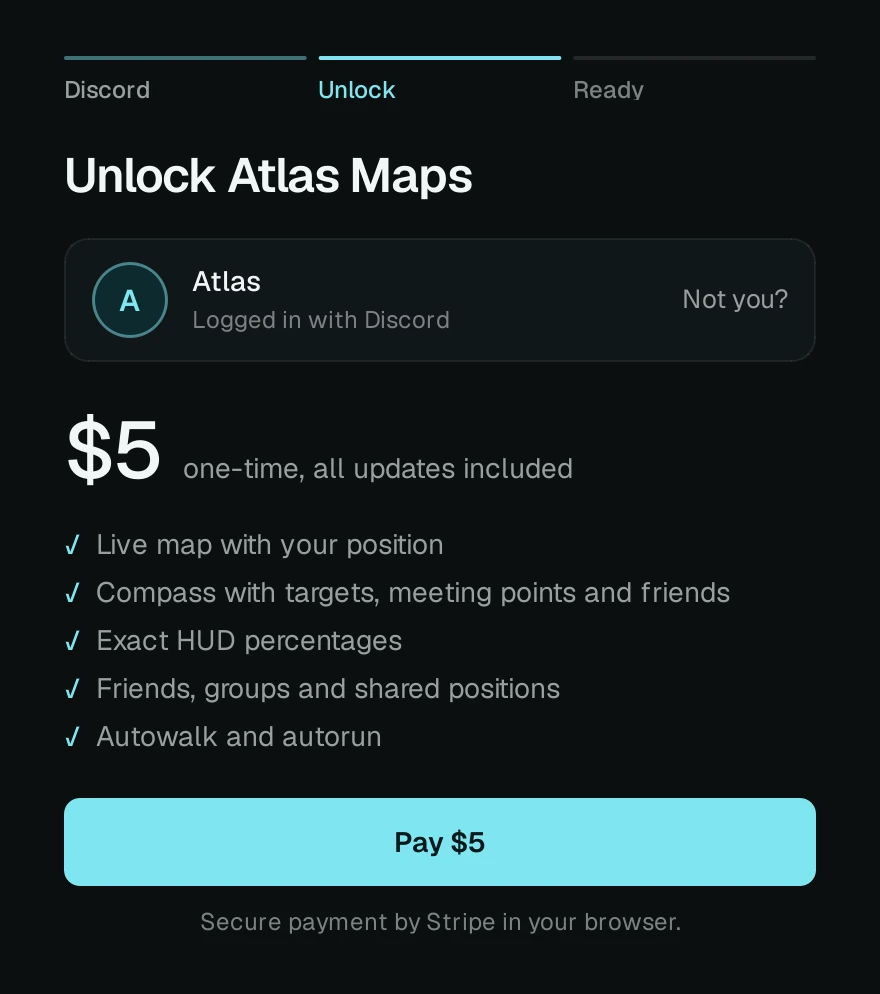
Your Discord name becomes your name for friends and chat. Payment runs through Stripe in your browser.
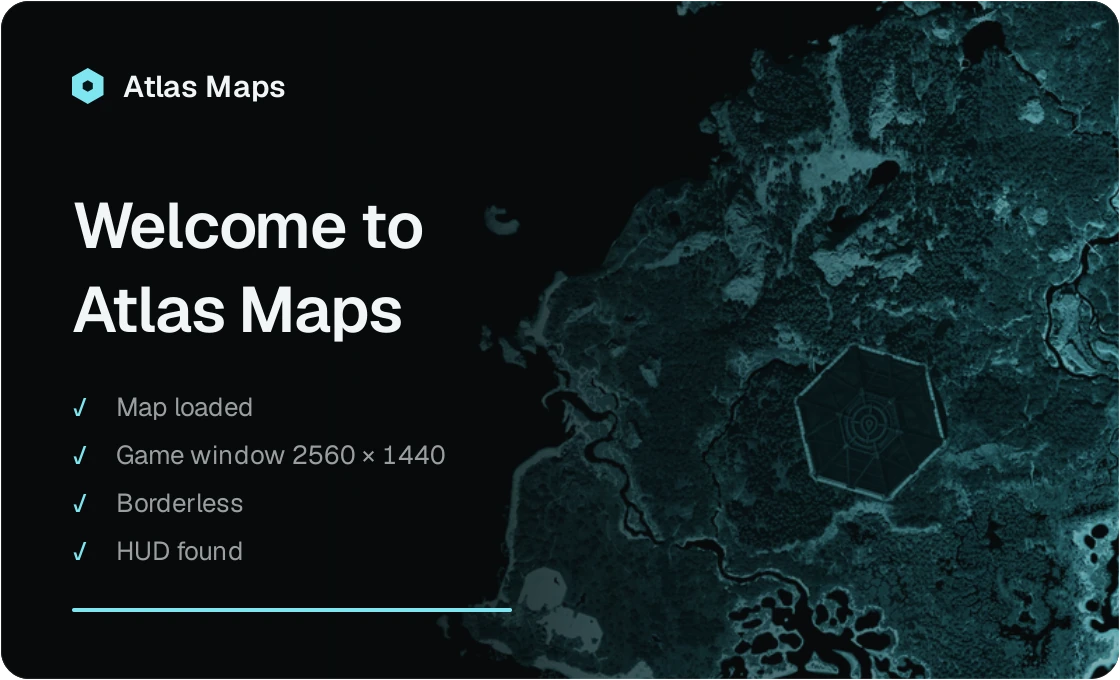
Play in borderless or windowed mode. Atlas Maps checks your screen when it starts, then you're ready.
Atlas Maps works like you do: it looks at the screen. It reads pixels, the game's log file and its settings file. It never reads or changes game memory and injects nothing into the game.
Some community servers don't allow maps, shared positions or autowalk. Check the rules of the server you play on.
| 01 | reads | the screen | Tab menu, HUD icons, scent line |
| 02 | reads | TheIsle.log | server, map, new spawns |
| 03 | reads | GameUserSettings.ini | mouse sensitivity |
| 04 | sends | W, Shift, Tab | autowalk, autorun, position on M |
| 05 | never | game memory | not read, not written |
| 06 | never | injected code | no DLLs, no drivers |
| 07 | never | game files | nothing in the game folder changes |
VAT included. Every update included. Pay with Stripe after you sign in with Discord.
Atlas Maps never reads or changes the game's memory and injects nothing into it, which is what anti-cheat looks for. It reads the screen, like a streaming app does.
Servers make their own rules, though. Some community servers don't allow maps, shared positions or autowalk, and their admins can ban you for it. Check the rules before you play.
No. You pay $5 once, VAT included, and every update after that is included.
Atlas Maps checks for new versions by itself. When one is out, a small card appears on your desktop, never on top of the game. Update now downloads it, checks that the file arrived intact, and installs it. Later hides the card.
Official and community Evrima servers on the Gateway map. Atlas Maps reads which server you're on from the game's log file, so there's nothing to set up.
No. Atlas Maps runs on Windows 10 and 11. The Isle needs to run in borderless or windowed mode, at any resolution from 1080p to 4K, ultrawide included.
Run The Isle in borderless or windowed mode and start Atlas Maps before or after the game. The app checks the game window, the HUD and the Tab menu by itself and shows what's missing on its Status page.
No. Atlas Maps is an independent app and isn't affiliated with or endorsed by Afterthought LLC or The Isle.
Download Atlas Maps, sign in with Discord and press M in game.